Communicating 2019.2 Server UI Changes to your team
With the new changes coming to Tableau Server 2019.2 user interface, I need a method to communicate the UI changes. I didn’t want my users to come in on Monday morning with an entirely different UI without preparation. So I spent some time showing off the changes of server with an email to the users, something I normally don’t do.
I used dashboards in the gif examples from #WorkoutWednesday challenges to avoid exposing data to server users who shouldn’t see something on accident. The benefit of this is, I can share this with the greater Tableau community!
Good afternoon team!
A new version of Tableau Server ( https://tableau.padnos.com/ ) will be installed this evening brining a ton of new features and a brand new user interface.
_When is the upgrade happening? _
- Server upgrade will occur at 5:00 PM EST this evening, Friday, June 14, 2019. Expected downtime is 45 minutes.
Server UI Changes
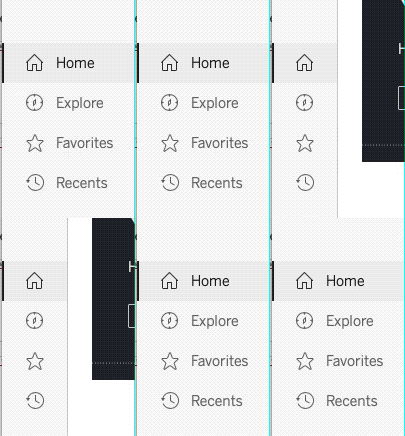
New navigation menu on the left, no longer on the top right.
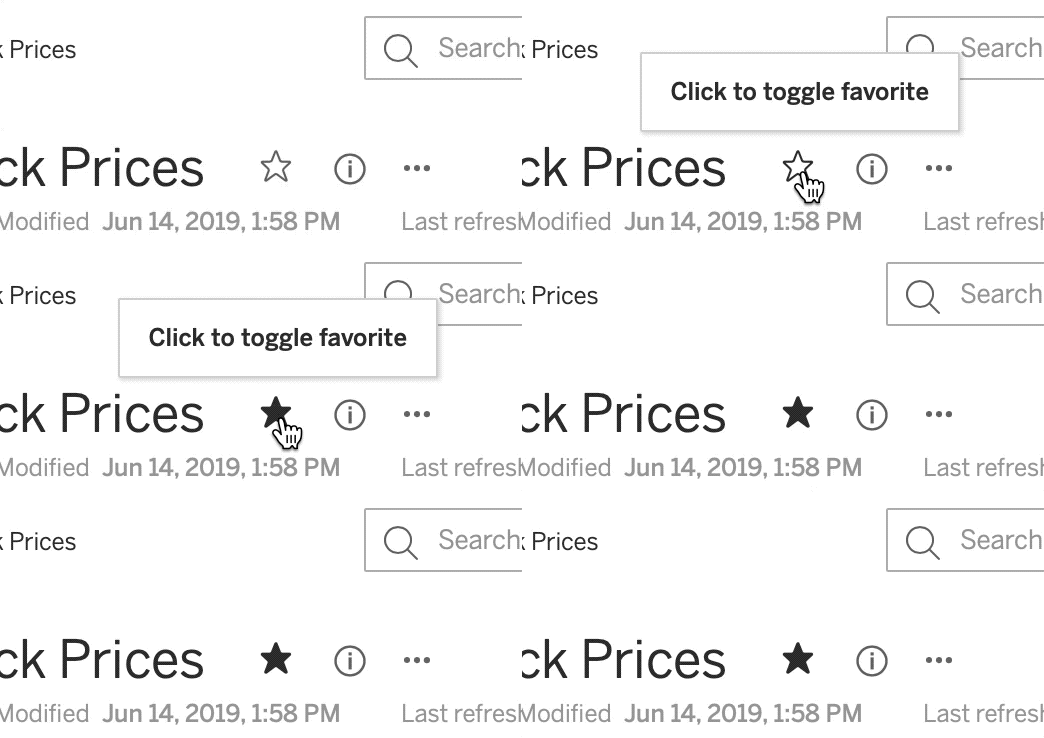
Anytime there is a star, you can toggle to mark that viz or project folder as a favorite
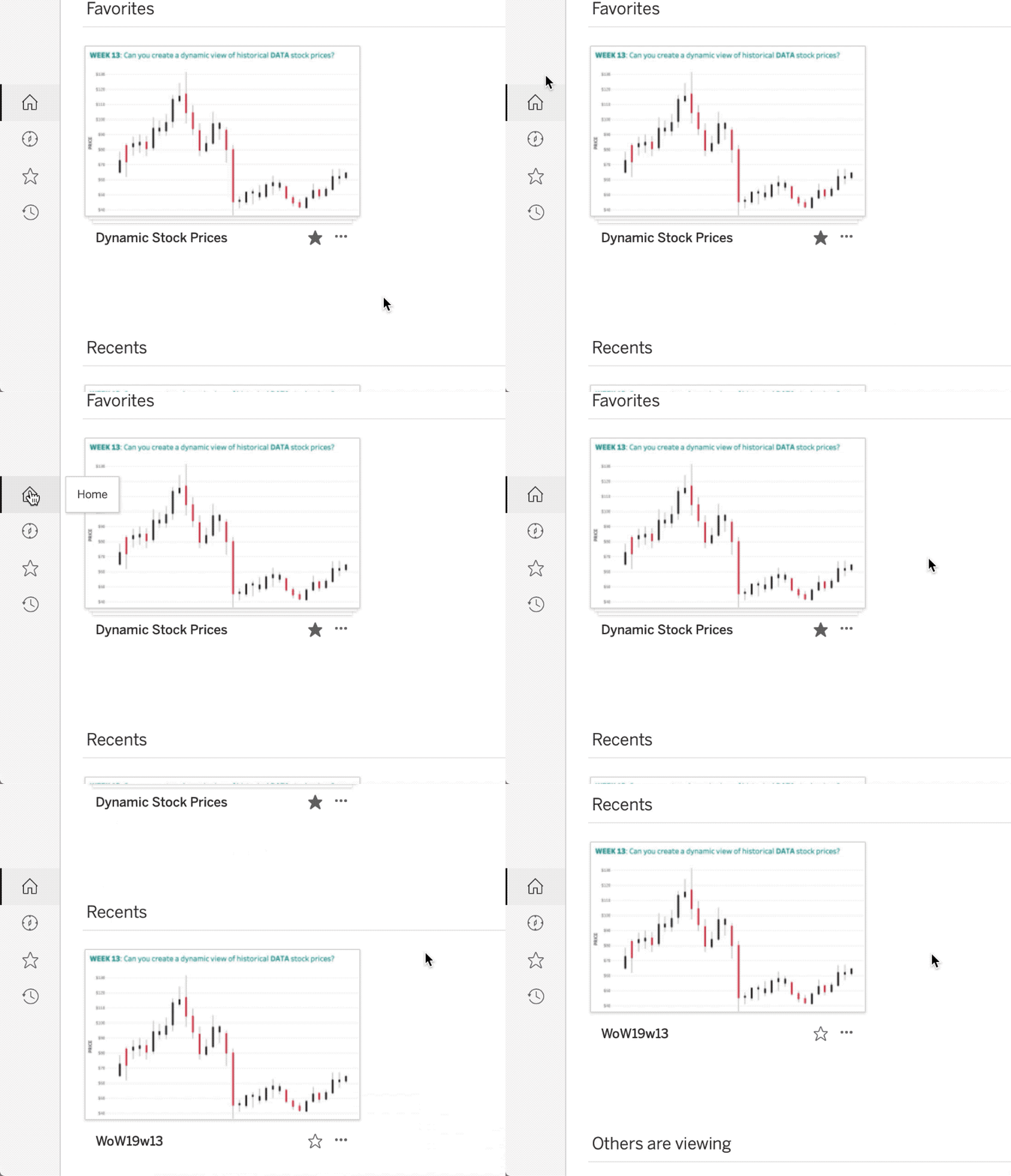
These favorites will show up on the top of the new home page where you’ll see Favorites , Recents , and popular content Others are viewing that you’ve the permissions to see.
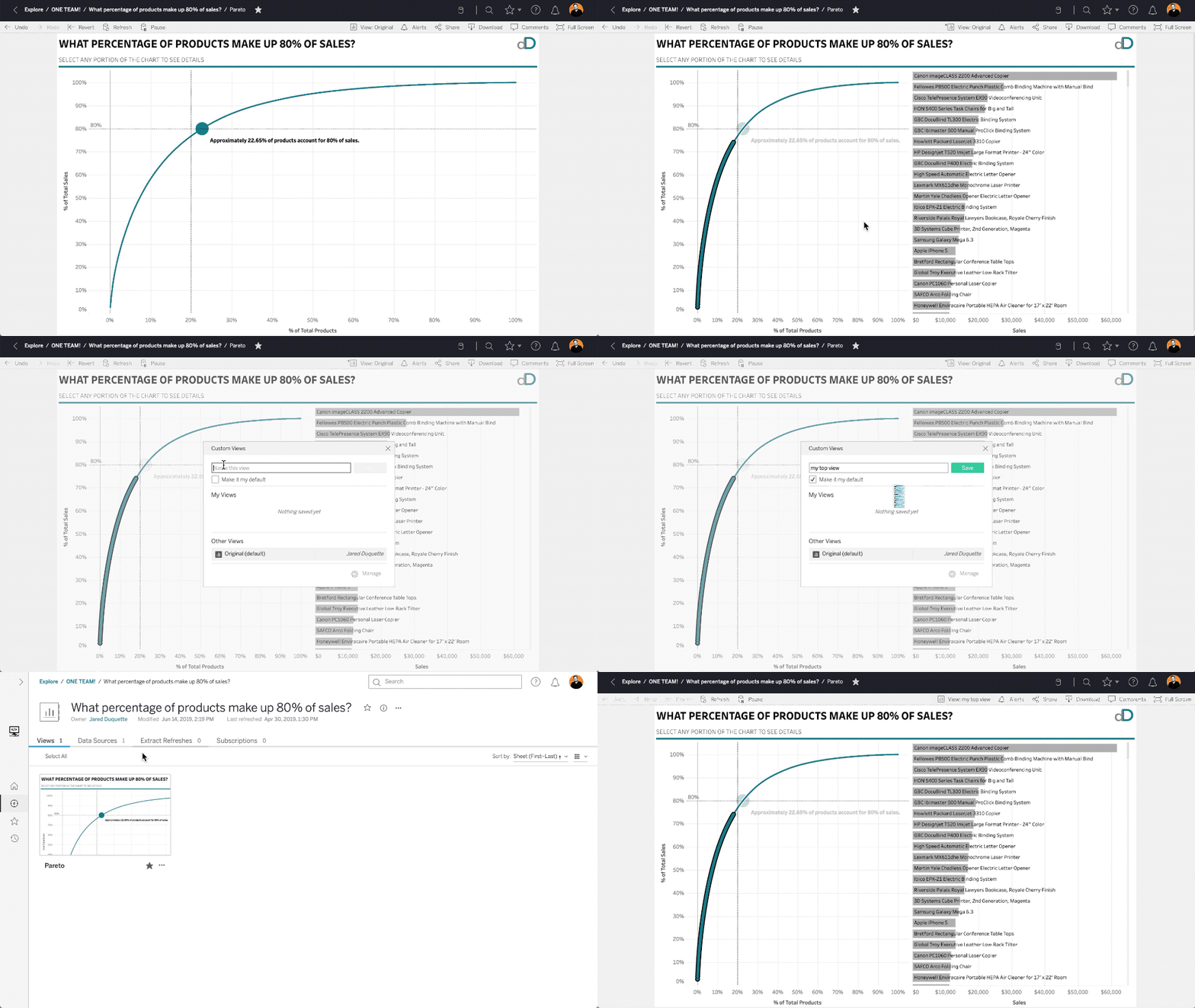
New feature highlight: Create Custom Views
All users can now create custom views to content! Ever have it before where you’re applying the same filters again and again each time you view a dashboard? Now you can set your views as a custom view on server!
Thanks team, happy dashboarding!